
#6 AI Without the Subscription Trap
How to Use AI Without Overpaying or Losing Your Chat History


👋🏻 Hey Product Tools Community,
Let’s talk about AI—and how you might be overpaying for it.
I love ChatGPT, and I’ll keep using it. But let’s be real—not everyone is getting $20/month worth of value from their AI subscription. Many people use it a few times a week at most, yet they stay subscribed out of FOMO.
But what if there was a smarter way?
Run AI Locally & Pay-Per-Use: Meet Jan.ai
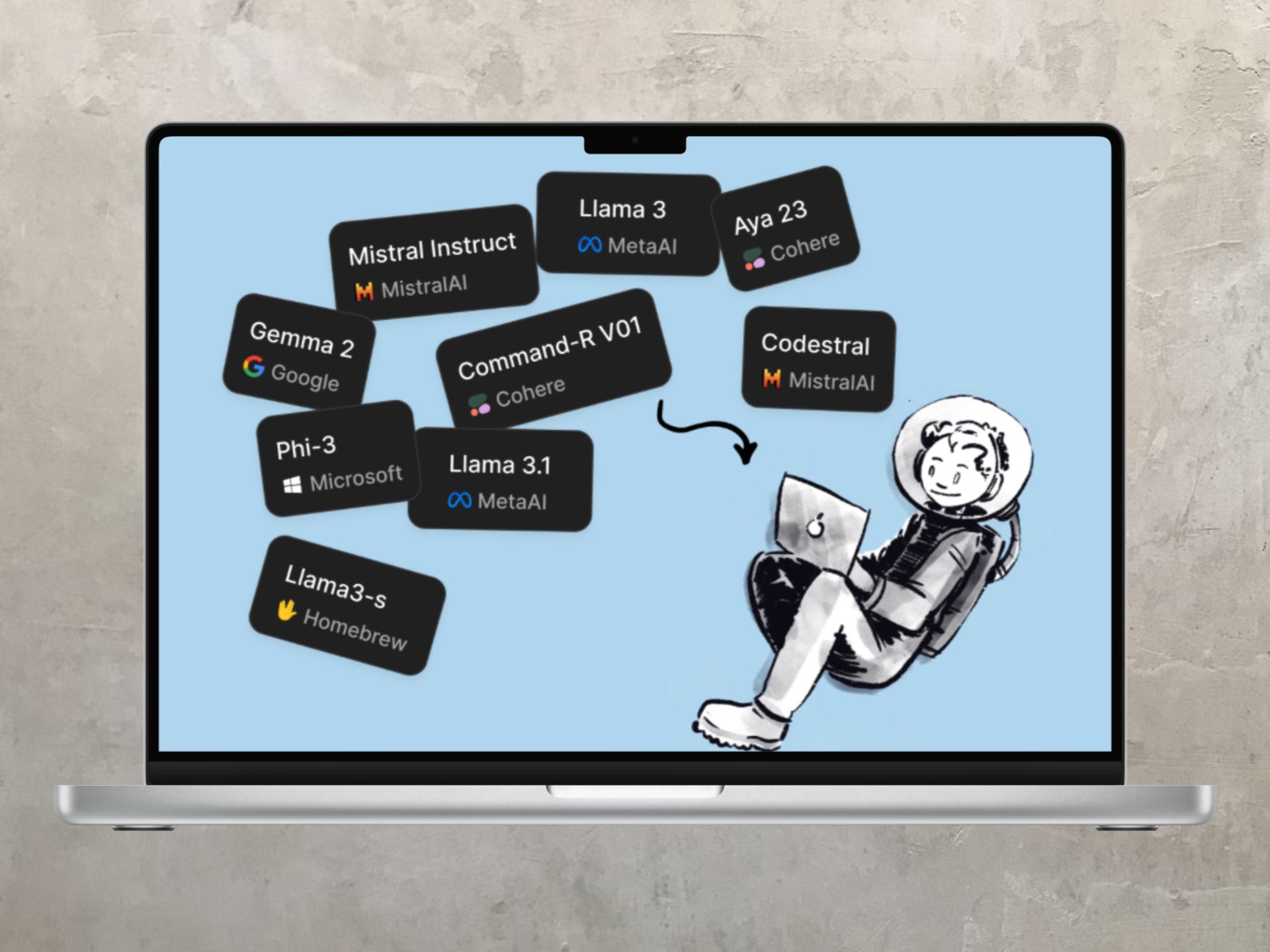
Ever wanted to use ChatGPT-style AI but without paying a fixed monthly fee? Or maybe explore open-source AI models without going through the hassle of learning how to setup LLMs on local machine?
Enter Jan.ai—a simple, no-code tool that lets you:
Run open-source AI on your own device—for free.
Use paid LLMs (like ChatGPT, Claude) via developer access—only paying for what you actually use.
Keep your AI chats private—your conversations stay on your device.
💡 Think of it like this: Instead of paying $20/month for an AI you use 2-3 times a week, you could add some credits to an OpenAI/Claude developer account and pay cents per query instead.
This is perfect for:
✅ People who want control over their AI setup.
✅ People who don’t use AI daily but still want access when needed.
✅ People who want to try open-source LLMs but don’t know how to set them up.
The best part? No coding required. You can install and start using Jan.ai in minutes.
📌 Curious? Check out the Jan.ai documentation for setup details.
Copy Your ChatGPT History to a New AI with GPTSeek
One of the biggest reasons people stick to ChatGPT even when they want to leave?
Their chat history
If you’ve had months (or years) of conversations, you don’t want to start from scratch on another AI. That’s why GPTSeek is a genius little tool.
It lets you copy your ChatGPT conversations and transfer them to DeepSeek AI, meaning:
✅ You don’t lose all the context & personalization you’ve built.
✅ You can switch AI models without feeling like you’re “resetting” everything.
✅ You keep your workflow uninterrupted.
💭 More tools like this will emerge soon—making it easier to jump between AI models without friction.
⚠ Disclaimer: Be mindful that this plugin copies data from your ChatGPT account. Do your due diligence before using it, as it might store or send data elsewhere.
Tools I’m Exploring This Week
🔹 AdamCAD – A game-changer for 3D modeling. Just type a text prompt, and it generates a 3D model instantly. Plus, it provides an intuitive interface for tweaking and refining the design—no complex software required.
🔹 CashewApp – A fully open-source finance tracking app that rivals premium alternatives. You can sync it with your Google account for easy use or self-host it for full control over your financial data. If you’re tired of subscriptions for budgeting apps, this one’s worth a look.
🔹 Replo – A Shopify page builder that goes beyond drag-and-drop. It comes with built-in A/B testing, deep analytics, and marketing tools, making it a solid choice for store owners looking to optimize and scale their storefronts without technical hassle.
Also, here are two recent blog posts I wrote:
Final Thought
AI is evolving at lightning speed, and flexibility is key. Some will stick to ChatGPT, others will explore Jan.ai, and many will switch back and forth. The important thing is that we now have choices—and tools that make switching easier.
What do you think? Would you ditch your AI subscription for Jan.ai’s flexible setup and try something like GPTSeek?
Until next time,
Aanand